 Contraction TimeContraction Time
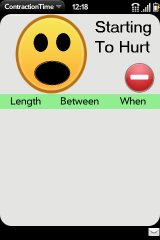 | Opening the app brings you to this page. The top 1/3 of the screen is touched to show that a contraction has started. |
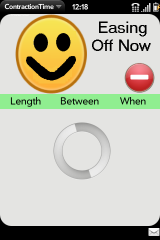 |
Once a contraction has begun, the spinner will rotate in the lower part of your screen. When the contraction starts to ease off, press the upper part of the screen again to indicate the end of the contraction. |
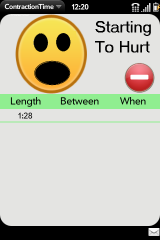 |
The spinner disappears once the contraction is over and the length of that contraction is shown on the screen. When the next contraction begins, again press the upper 1/3 of the screen. |
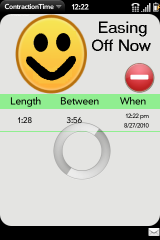 |
Now that a second contraction has started, the app calculates the time from the start of the first one to the start of this one and displays that on the screen along with the current date and time. When the second contraction eases off, press the top again. |
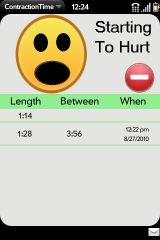 |
Now the length of the second contraction is shown, and the wait for the next one begins. Once the next one begins, press the top again. This process is continued as often as needed to keep counting. |
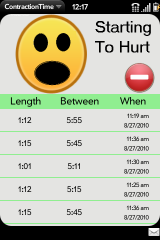 |
The app keeps track of each contraction as it is recorded and shows a scrollable list. The list is saved when the app is closed. |
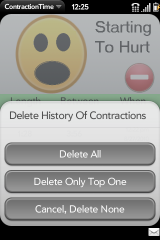 |
Forget to record a start or end? No problem, use the red "minus" button to delete the most recent contraction or all the contractions on the list. You can also use the webOs swipe gesture to delete list items. |
 |
The help screen gives a link to the web site and email support. |